
At the bottom of the sidebar, on the right is the button Create group which allows meshes to be grouped into the same set.
Step by step
1️⃣ Press the button Create group and select from the drop-down menu the meshes that you want to form the group, they will turn green.
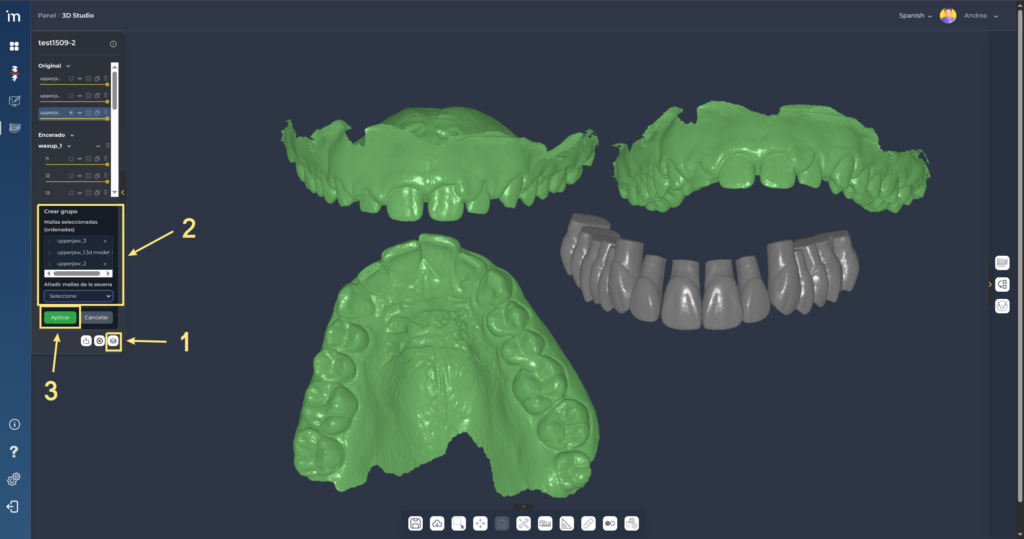
2️⃣ Click on Apply. At the bottom of the sidebar you can see the group.
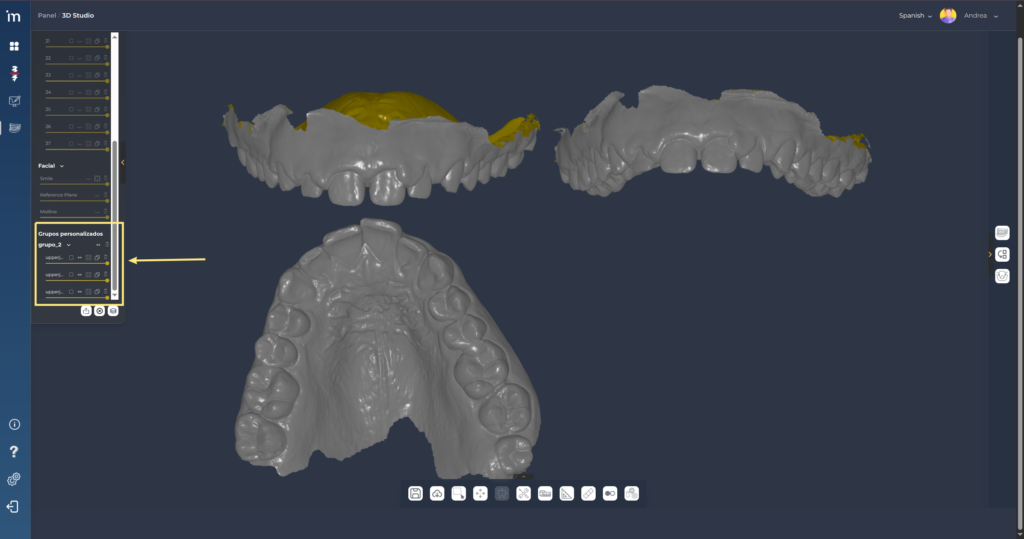
3️⃣ Now if the Transform/Warp or Align tools are used on any mesh in the group, the applied transformation will affect all meshes in the group.

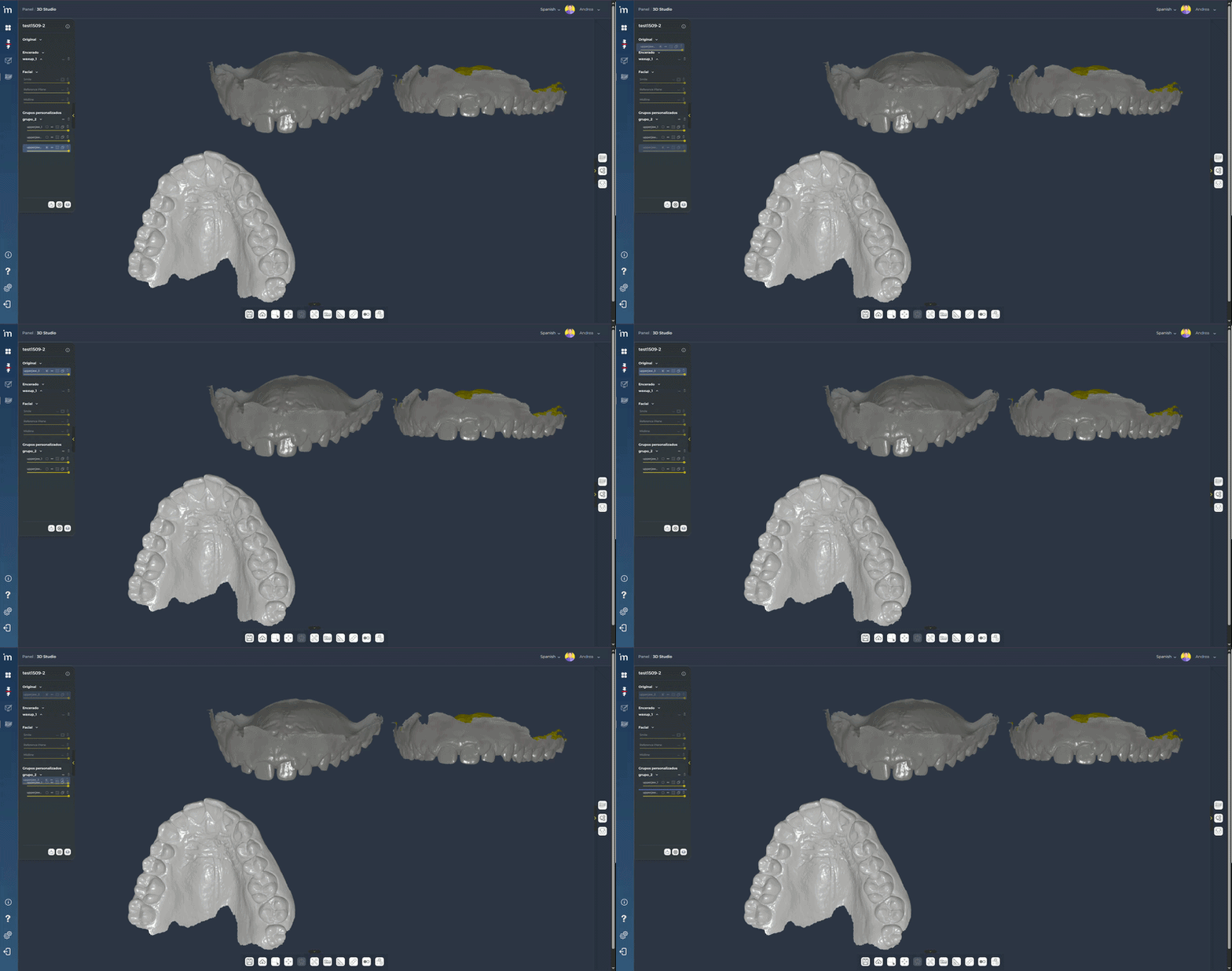
4️⃣ You can move the meshes from the group to other groups or to their original category by dragging it with the mouse from the sidebar to the destination group, as shown in the video.
ℹ️ FAQs
1. Why can’t I align two meshes that are in the same group?
The alignment must be done between meshes of different groups. As they are grouped, the alignment transformation will affect all the meshes in the group. You can find more detailed information about alignment HERE.