
You can share a Smile Design or Implant Identification case with anyone. This allows the person with whom the case is shared to access MovumStudio® as a guest and view the case information only.
1️⃣ In the Case Manager, there is an ‘Email’ column with an Add email button.

2️⃣ When you click the button, a pop-up window will appear where you’ll need to enter the email address of the person you want to share the Smile Design or Implant Identification case with, and then click Add email.

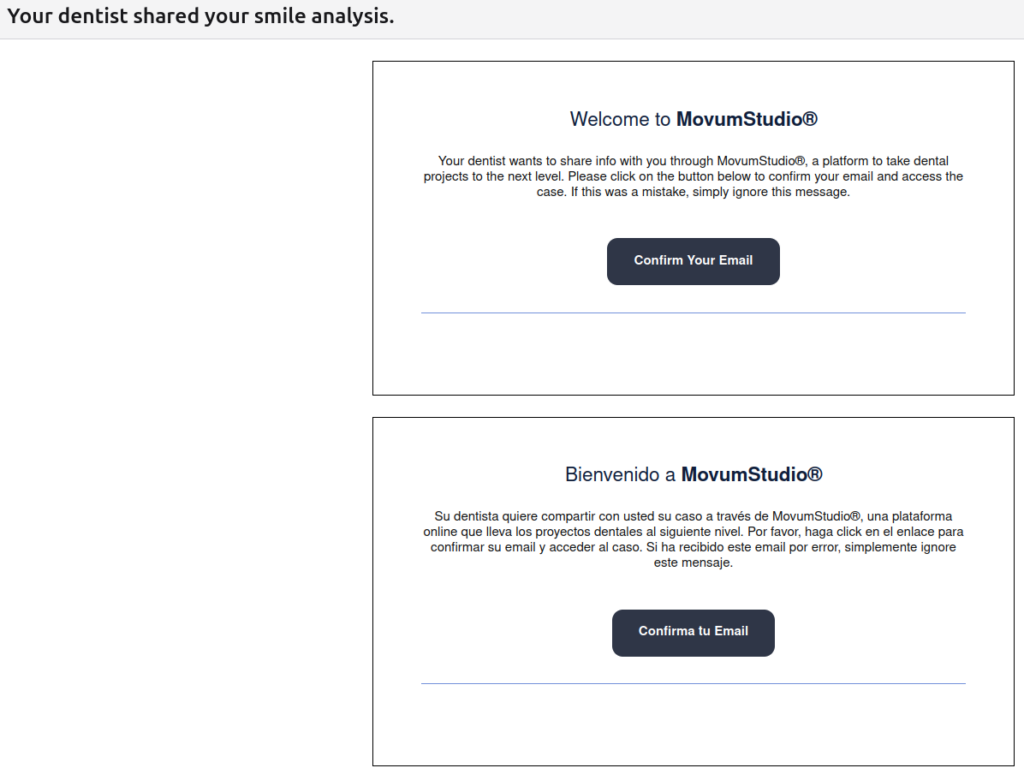
3️⃣ The user with whom you have shared the case will receive an email asking them to confirm their email address so that they can view the case.
4️⃣ Once a case has been shared with someone, the Email column will be updated with the patient’s email address. This applies to both Smile Design and Implant Identification.

