Update your payment information
In MovumStudio® We only accept one payment method, which is Credit card.
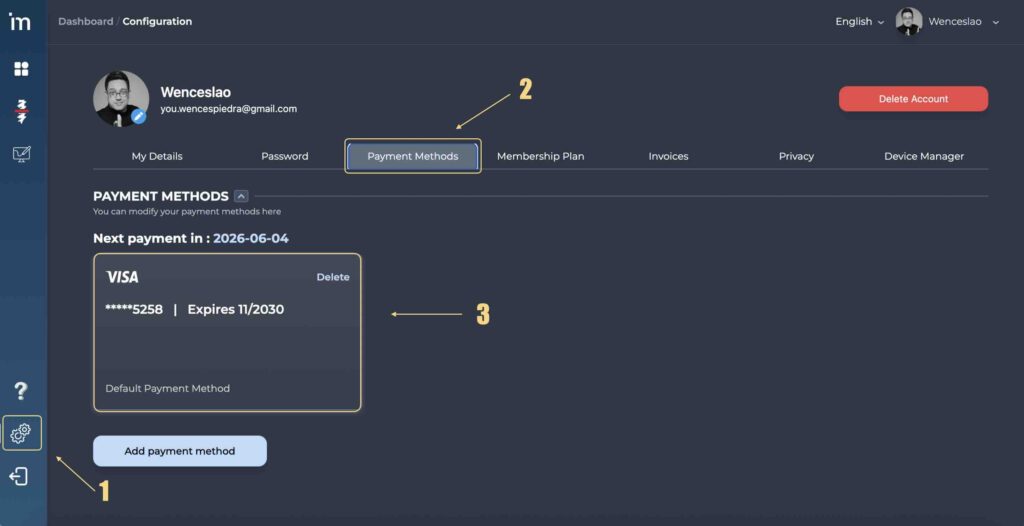
To update your Credit Card information you must access your user profile through the button Configuration [⚙️]on the left side panel. Then click on the tab Payment Methods.
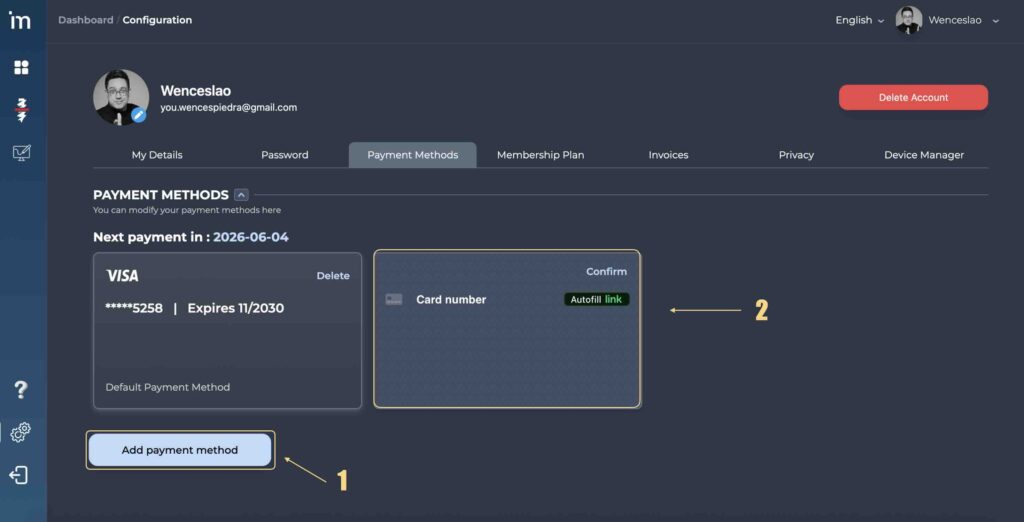
Additionally, you can add as many credit cards as you want. To do this, click the button Add Payment Method and insert your new card.